
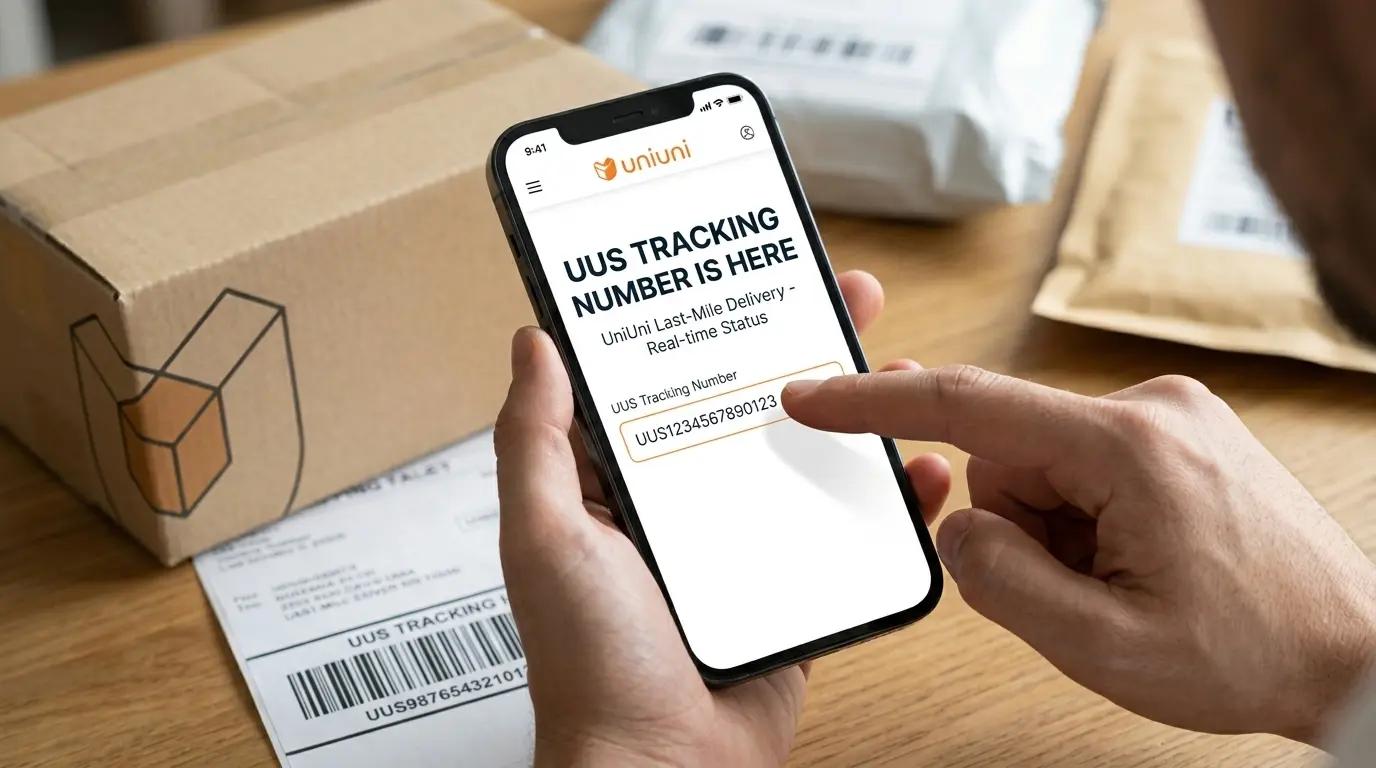
Have you received a tracking number starting with UUS after ordering from Temu, SHEIN, AliExpress, or another online marketplace? If you’re wondering which shipping company handles it, the code is commonly associated with UniUni, a last-mile delivery carrier operating in the United States and Canada.
A UUS tracking number helps identify a shipment in UniUni’s delivery network. Once the carrier receives your parcel and begins recording shipment events, you can use the number to check its progress, view facility scans, and find delivery confirmation when available.
Use the tracking tool below to look up your shipment. This guide also explains what UUS and UU tracking references mean, whether UUS is related to USPS or UPS, why some tracking numbers don’t work immediately, and what to do when a package stops moving.
What Is a UUS Tracking Number and Which Carrier Uses It?
A UUS tracking number is a shipment reference commonly associated with UniUni (Uni Express). It allows customers to identify and follow parcels handled by the company’s delivery network.
UniUni is a North American last-mile logistics provider that works with e-commerce retailers, shipping partners, and delivery platforms. Its role is to move parcels through regional processing facilities and complete deliveries to customers.
You may receive a UUS tracking number after purchasing products from an online marketplace. However, the marketplace itself does not necessarily operate the delivery service. The retailer or its logistics partner assigns a carrier based on the shipping arrangement and destination.
For example, a cross-border shipment may travel through an international logistics network before reaching UniUni for local delivery. Once UniUni receives the parcel, its tracking system can begin displaying relevant processing and delivery events.
The important distinction: UUS is a tracking reference associated with UniUni shipments, not the name of a separate shopping platform or a universal international postal code.
Is UUS the Same as USPS or UPS?
No. UUS, USPS, and UPS refer to different things.
| Name | What it refers to |
|---|---|
| UUS | A tracking prefix commonly associated with UniUni shipments |
| UniUni | A last-mile parcel delivery company |
| USPS | United States Postal Service |
| UPS | United Parcel Service |
A common mistake is to confuse UUS with UPS because the letters look similar. However, they are not interchangeable.
If your tracking code begins with UUS, try the UniUni tracking portal first. If a shipment is transferred to another delivery provider, check whether the tracking history or retailer provides a separate reference for that carrier.
Does Temu, SHEIN or AliExpress Use UUS Tracking?
A UUS tracking number may appear on orders from different online marketplaces when UniUni is assigned to handle the delivery.
Customers may encounter this arrangement with orders from:
- Temu
- SHEIN
- AliExpress
- TikTok Shop
- Other online retailers and cross-border sellers
The marketplace does not determine the carrier for every order. Shipping arrangements can vary according to the seller, destination, and logistics service selected.
If your order displays UniUni as the assigned carrier, use the UUS number supplied in your shipping details to check its delivery progress.
UUS, UU, UUS0 and UUSC: Understanding Tracking Number Prefixes
Not every customer searches for the same tracking format. Some enter UUS tracking number, while others search for UU tracking, UUS0 tracking number, or a tracking number starting with UU.
These variations can create confusion, especially when a retailer displays multiple shipment references.
Here is how to interpret them without assuming that every prefix represents a separate carrier.
UUS Tracking Number
UUS is the prefix most directly associated with the tracking number format commonly seen on UniUni’s official tracking records.
Example:
UUS6AL2571452823531
This is an example of a UUS-format number displayed on UniUni’s own tracking system. A tracking number with this prefix can be submitted to the official portal to retrieve its shipment history.
UU Tracking Number
Some customers refer to a shipment beginning with UU as a UU tracking number.
However, a two-letter prefix alone is not sufficient to establish the carrier. Check the retailer’s shipping details and try the complete number on UniUni’s official tracking page.
If the system does not recognize it, ask the seller to confirm which delivery provider owns the reference.
UUS0 Tracking Number
Searches for UUS0 tracking number usually reflect customers trying to identify a longer tracking code beginning with these characters.
Do not remove the zero or change the number to a different format. Enter the complete reference exactly as provided by the retailer and let the carrier’s tracking system determine whether it is valid.
UUSC and Other Tracking Variations
You may also encounter searches for UUSC, UNIA, or other similar shipment references.
These variations should not automatically be treated as confirmed UniUni tracking formats. The prefix alone does not establish the carrier, service type, or destination.
The safest approach is to check the full reference against the official carrier portal or confirm it with the seller.
Why Do Tracking Numbers Have Different Prefixes?
International e-commerce shipments can involve multiple merchants, logistics platforms, and delivery providers. Each may use its own shipment identification system.
As a result, a retailer may display an original shipment reference, an international logistics reference, and a separate last-mile tracking number.
These numbers serve different purposes. If your order contains multiple codes, use the one explicitly assigned to UniUni when checking its delivery history.
How to Track a UUS Package Step by Step
You do not need to know the warehouse or shipping route to check a UUS shipment. You only need the correct tracking number and access to a compatible tracking page.
Step 1: Find Your UUS Tracking Number
Open the account where you placed your order and locate its shipping information.
Common places to check include:
- Your order’s Shipping or Delivery Details section.
- The dispatch confirmation email.
- A shipping notification from the seller.
- A delivery notification from the marketplace.
Copy the complete tracking reference, including its letters and numbers.
Step 2: Open the UniUni Tracking Website
Visit the UniUni tracking portal.
This is the carrier’s own shipment lookup page. You can also use the tracking tool provided at the beginning of this guide.
Step 3: Enter Your Complete Tracking Code
Paste your UUS tracking number into the search field.
Check the spelling and number sequence before submitting. If you have several UniUni shipments, the official website also supports entering multiple tracking numbers separated by commas.
Step 4: Review the Shipment History
Once a record is available, check:
- The latest shipment status.
- The date and time of the most recent scan.
- Any facility or city mentioned in the event.
- The estimated delivery date, if available.
- Delivery confirmation information, when provided.
A shipment history is more informative than a single status label because it shows how the parcel has progressed through the network.
Step 5: Check the Delivery Confirmation
If the status changes to Delivered, look for the View Delivery Confirmation option on the official tracking page.
When available, UniUni provides delivery photographs. You may need the postal or ZIP code associated with your shipment to view them.
This can help you identify where the driver left your parcel.
UUS Tracking Statuses: What Do They Mean?
A UUS tracking page can show different events as your parcel moves through processing facilities and local delivery routes.
| Tracking status | Explanation |
|---|---|
| Label Created | Shipment information has been generated, but physical carrier receipt may still be pending. |
| Shipping Information Received | The carrier has received electronic shipment details. |
| Order Received | An order-related processing event has been recorded. |
| Parcel Received at UniUni Sorting Hub | The parcel has been scanned at a UniUni sorting facility. |
| Parcel Scanned and in Transit | A shipment movement scan has been recorded. |
| In Transit to UniUni Delivery Facility | The parcel is travelling toward another delivery facility. |
| Arrival Scan | A scan has been recorded at a processing point or facility. |
| Parcel Processed | A processing event has been completed. |
| Out for Delivery | The parcel has entered the delivery stage. |
| Delivered | The carrier has recorded the parcel as delivered. |
The exact wording can vary. Some events may appear in a retailer’s system before they become visible on the carrier’s tracking page.
What Does Uni Data Center Mean on a UUS Tracking Page?
Uni Data Center is a facility-related label that may appear in the early tracking history.
For example, a tracking record may display Label Created – UNI DATA CENTER. This does not necessarily mean that the parcel has already arrived at a physical sorting hub.
Check the next events to see whether the parcel has been physically received, processed, or scanned at a UniUni facility.
A later event such as Parcel Received at UniUni Sorting Hub provides stronger evidence that the carrier has physically received the shipment.
UUS Tracking Not Working or Not Updating? Here’s What to Do
A UUS tracking number may not display information immediately after the seller provides it. This does not automatically mean the number is incorrect or the parcel is lost.
The right solution depends on the last recorded shipment event.
1. The Tracking Number Shows No Results
If the official tracking page cannot find your number, the shipment may not yet be registered in the carrier’s system.
What to do: Confirm the number with your seller, check for typing mistakes, and try again after the merchant has processed the shipment.
2. UUS Tracking Shows Label Created
A Label Created event indicates that shipment information has been generated. It does not necessarily confirm that UniUni has physically received the parcel.
What to do: Contact the retailer if there are no subsequent updates. UniUni advises customers to check with the merchant because an order may still be undergoing processing before carrier handoff.
3. UUS Tracking Has Not Updated for Several Days
A parcel can pass between processing locations without showing a new event immediately.
What to do: Compare the last scan date with your estimated delivery date. If the parcel remains inactive beyond the expected period, contact the carrier or retailer with the tracking number and latest event.
4. Your UUS Package Is Stuck at a Sorting Facility
A sorting facility scan identifies a processing checkpoint, not necessarily the final destination.
What to do: Check whether the next event shows departure, transit, or arrival at another facility. If the expected delivery date has passed without movement, ask UniUni support to investigate.
5. UUS Tracking Shows Out for Delivery but Nothing Arrives
Out for Delivery means the parcel has entered the delivery stage. It is not proof that the driver has completed the delivery.
What to do: Check for a later delivery attempt or exception event. If the package is still missing, contact support through the official chatbot.
When Should You Contact the Seller or UniUni?
Use this distinction to avoid contacting the wrong party:
| Situation | Who to contact |
|---|---|
| Seller has not dispatched the order | Retailer or seller |
| Only a shipping label exists | Retailer or seller |
| UniUni has received the parcel but it is delayed | UniUni support |
| Incorrect delivery address | UniUni support |
| Package marked delivered but missing | UniUni support and retailer |
| Missing or incorrect items inside the parcel | Retailer or seller |
This distinction matters because UniUni handles delivery, while the marketplace or seller manages the purchased product, returns, replacements, and refunds.
What to Do If Your UUS Package Says Delivered but Has Not Arrived
A Delivered status can be confusing when you cannot find the parcel.
Before reporting it as missing, check the delivery location and available confirmation details.
- Open the official UniUni tracking record.
- Select View Delivery Confirmation if available.
- Examine the delivery photographs.
- Check your front entrance, porch, mailbox area, lobby, and building mailroom.
- Ask household members, neighbours, or building management.
- Contact UniUni through its support chatbot if you still cannot locate the parcel.
If the parcel appears to have been delivered to the wrong address, include that information in your support request.
How to Contact UniUni About a UUS Tracking Problem
If your UUS tracking number is valid but the shipment has not progressed, use UniUni’s official customer support page.
Official support: https://www.uniuni.com/support/
UniUni provides a chatbot through which customers can connect with its support team.
Prepare the following details before submitting your request:
- Complete UUS tracking number.
- Retailer or marketplace name.
- Delivery address.
- Latest tracking event and scan date.
- A brief explanation of the issue.
Can You Request a Redelivery From UniUni?
Yes. UniUni provides a redelivery process for certain unsuccessful delivery attempts.
According to its published tracking FAQs:
- After the first failed delivery attempt, another attempt generally occurs within 48 hours in most circumstances.
- Following a second failed attempt, the parcel may be returned to a UniUni warehouse.
- Once the tracking status changes to Storage, customers can contact support to request redelivery.
- UniUni states that parcels in storage are held for 30 days.
To request another delivery, submit your corrected address, contact information, and relevant delivery instructions through the official chatbot.
Note that UniUni does not deliver to USPS PO Boxes or post offices.
Frequently Asked Questions About UUS Tracking
What shipping company uses UUS tracking numbers?
UUS tracking numbers are commonly associated with UniUni, also known as Uni Express. Enter the complete number on UniUni’s official tracking website to check whether the carrier recognizes your shipment.
Is UU tracking handled by USPS?
Not necessarily. UU is a tracking prefix, not another name for USPS. Verify the full tracking reference with the assigned carrier before assuming which company is handling your parcel.
How long does UniUni take to deliver a UUS package?
Delivery time depends on the shipping route, seller processing, transportation, and destination. Check the estimated delivery date on the official UniUni tracking page once the carrier has physically received your parcel.
Why does my UUS tracking number start working after a delay?
The seller may generate a tracking number before handing over the physical parcel. The carrier’s tracking history may become available only after shipment information is processed or the first scan is recorded.
Can I track a UUS package without an order number?
Yes. You generally need the carrier tracking number rather than the retailer’s order number. Enter your complete UUS reference into the UniUni tracking portal.
Does UniUni provide real-time GPS tracking?
UniUni provides online tracking updates and shipment information. However, individual scan events should not be confused with continuous GPS access to the driver’s live location.
Can I use a UUS tracking number in the USPS tracking system?
A UUS reference is not automatically a USPS tracking number. Start with the UniUni tracking page. If another postal carrier is assigned later, check whether a separate tracking reference is provided.
Is there an official UniUni tracking app?
Customers can track packages through the official UniUni website using a mobile browser. UniUni also lists an application for its delivery operations, which should not be confused with a dedicated consumer tracking app.
Final Thoughts
A UUS tracking number is commonly associated with UniUni, a last-mile delivery provider serving e-commerce shipments in the United States and Canada. It helps customers identify their parcel and follow its progress through available carrier tracking events.
Whether you received a UUS number after shopping online or are trying to understand a UU tracking reference, the first step is to verify the complete code with the assigned carrier. Use UniUni’s official tracking portal to check shipment scans, estimated delivery information, and delivery confirmation when available.
If the tracking page shows no results, a delayed scan, or an unsuccessful delivery, identify the last recorded event before contacting the seller or carrier. This makes it easier to find the right solution and follow your package until delivery.